Build a bridge. Storm the keep.
Brickhold is a block-building game you play with your friends. Party up, pick a game, and build your way across the sky.
Free. An early test version, so things will change.
Get the game
Download the zip for your computer, open it, and play. There is nothing to install, and the game asks only for a nickname.
Windows
Windows 10 or 11
Not out yet
The Windows version is being built. Come back soon and the download will be right here.
Mac
macOS 11 or newer, Apple silicon or Intel
68 MB · version of 10 November 2026
The first time you open it
- Open the zip. Brickhold appears beside it.
- Open Brickhold. Your Mac will say it cannot check the app.
- Open System Settings, go to Privacy & Security, scroll down and choose Open Anyway.
On an older Mac, right-click Brickhold and choose Open instead.
Play it with your friends
- Pick a nickname the first time you start the game.
- Add your friends by their nicknames and invite them to your party.
- The party leader picks a game. Everyone presses Accept, then the leader presses Start.
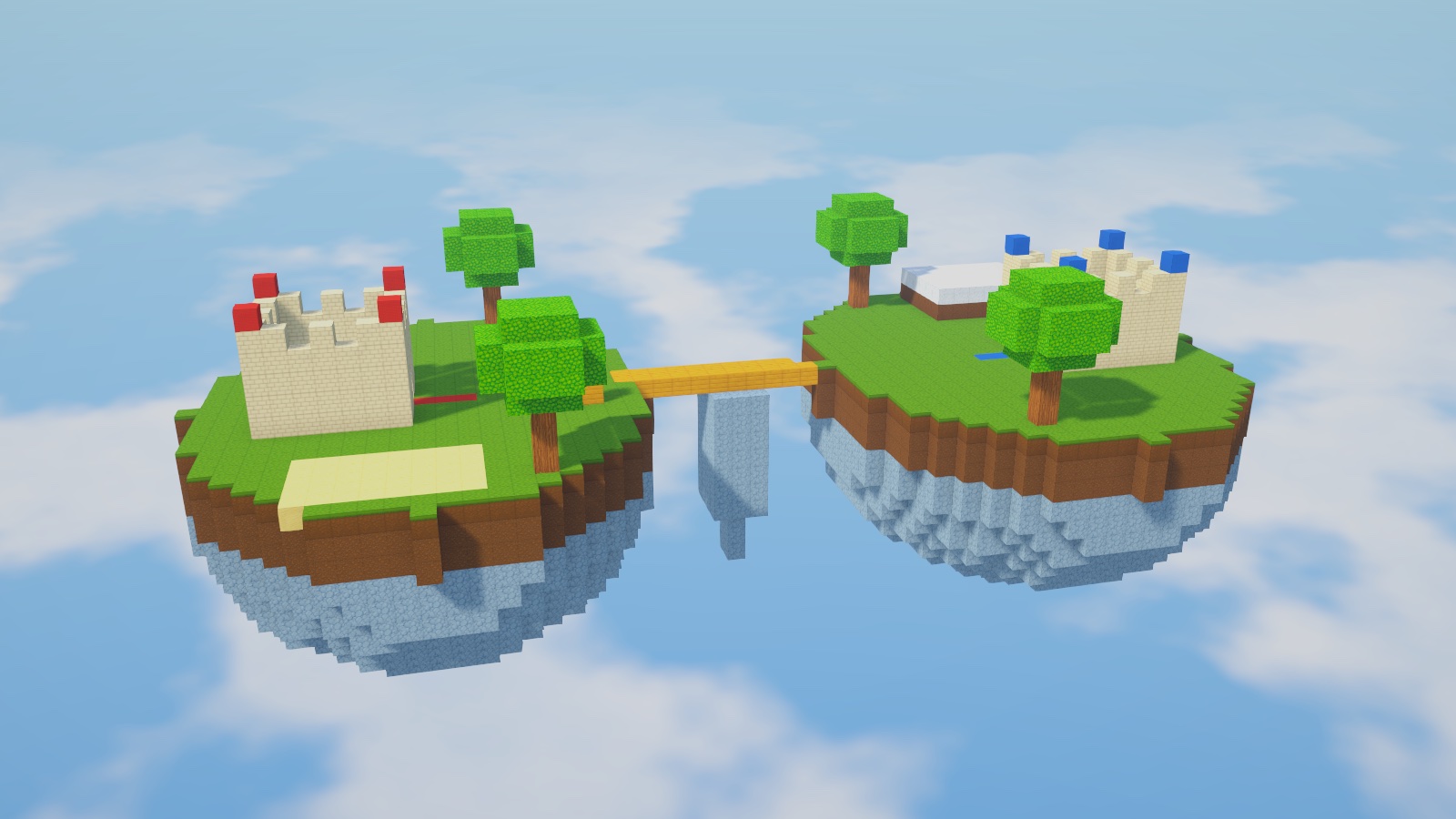
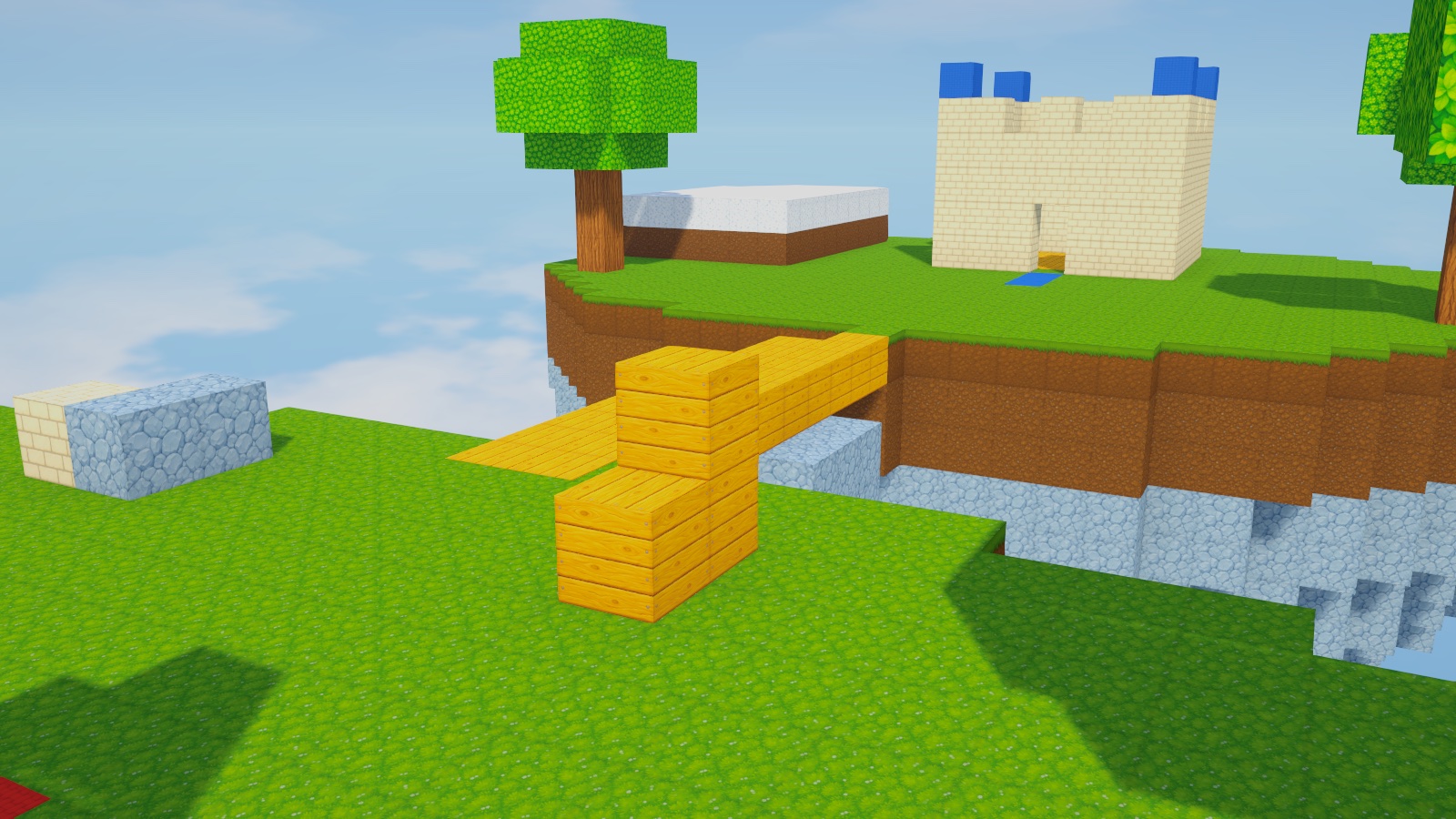
In this version you build together in Sandbox. Bridge Rush, the team game in the picture, is being built now.
- W A S D
- walk
- Space
- jump
- Left click
- break a block
- Right click
- place a block; hold it to keep building
- 1 – 9
- choose a block
- Shift
- sneak, so you cannot fall off an edge
- V
- see yourself from behind
For parents
Brickhold has no text chat. It asks for no email address and no real name: a player picks a nickname, and every nickname is checked before it is allowed. Friends are added only by typing their exact nickname.